
01 / RECORD
Keep the trade and its context together.
Enter the market, symbol, direction, strategy, session and result. Open any trade again to review or correct it.
A home for your trade setups, chart screenshots, decisions and outcomes. Use it across your devices with your Google account, and review the patterns behind the numbers.
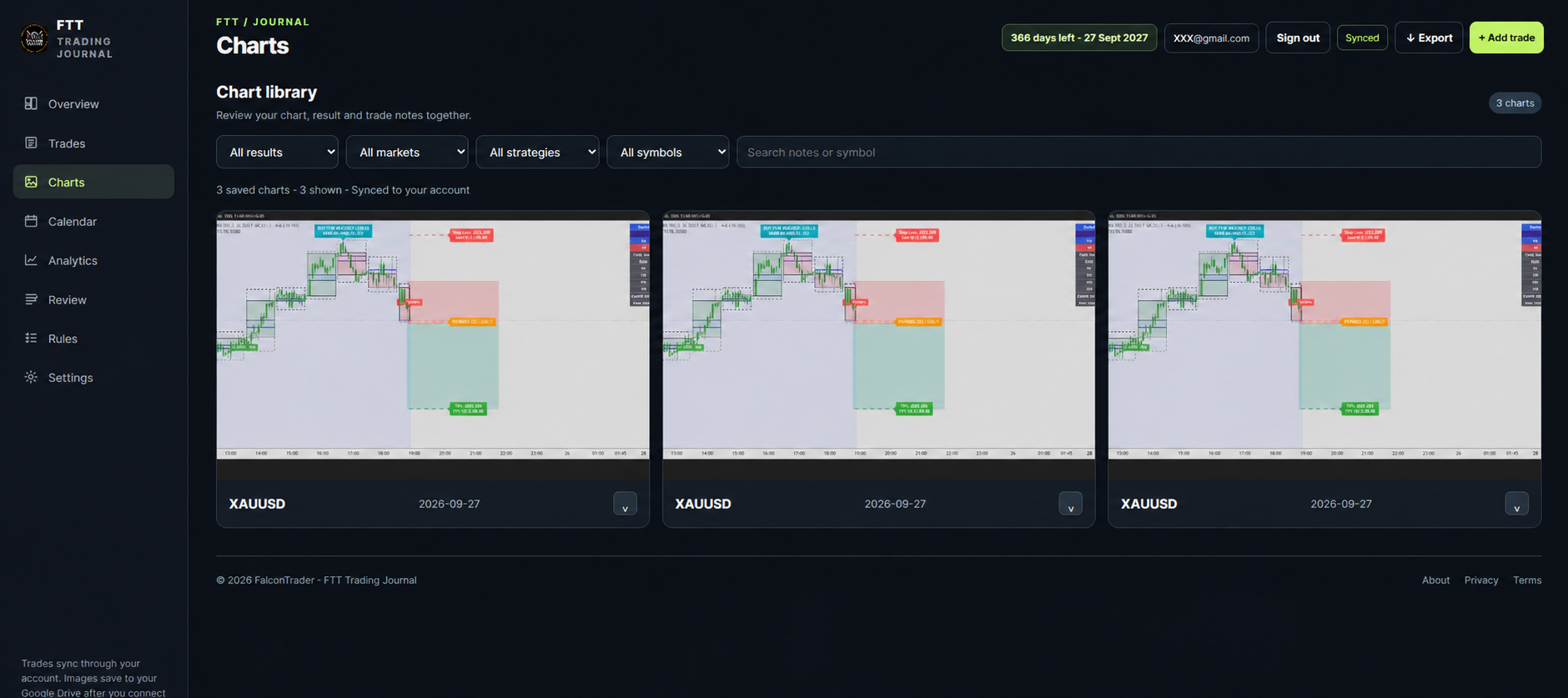
These illustrations are based on screenshots of the app with sample trades. Account email addresses have been replaced. Figures shown here are illustrative and do not represent trading results or a performance claim.
Enter the market, symbol, direction, strategy, session and result. Open any trade again to review or correct it.
Attach chart images to a trade, then find them in your chart library. Expand a chart to review its context and notes.
The calendar brings closed trades into a daily view and lets you revisit dates with wins, losses and notes.
Filter the analysis by symbol, market and source. Compare directions, strategies and risk metrics using different chart types.
Select any screenshot to view it larger. Example trade numbers are for showing the interface only.
Choose six or twelve months, pay the displayed UPI amount and submit your name, Google email and payment reference.
Once we verify payment, open the journal on your phone, tablet or computer with the exact Google account you submitted.
In Settings, select “Connect my Google Drive” and allow app data access to store new chart images in your own account.
Add a symbol, market, direction, outcome, strategy and session. Add your before and after charts, rules and emotion notes.
Use the trade list, charts, calendar and analytics to review. Export a backup regularly, especially before access expires.
Your journal header shows the expiry date and days remaining. Renew with the same account to keep access to saved records.
Your trade records, rules, reviews, settings and transaction history sync through the FTT journal's Firebase project. Your new chart screenshots save in your own Google Drive app data after you connect Drive in Settings.
The app data area is hidden from the normal Google Drive folder list. Open screenshots inside the journal or include them when you export your backup. Images use your Google Drive storage allowance. Older images may remain in the journal's original storage until migrated.
The same Google account must be used to sign in and connect Drive. Reconnection may be needed on another device.
Open the journal ↗Build a repeatable review process around the parts of trading you can control.
Capture symbol, direction, setup, risk and outcome across your markets.
Revisit your chart images with each trade. New screenshots are stored in your own Google Drive app data.
Examine trading days, outcomes and strategy trends over time.
Record what you intended to do and how you actually responded.
Track deposits and withdrawals alongside your trading history.
Access your journal from phone, tablet or laptop using the same activated Google account.
One buyer account. Payment is checked manually before your Google email is activated.
Full journal features, account sync and chart screenshots.
Choose 6 months ↗Full journal features, account sync and chart screenshots.
Choose 12 months ↗Access starts when payment is verified and your Google email is activated. Renewal extends access from the current expiry when still active. Save a backup before access expires.
Scan the QR or pay with a UPI app. Check that the recipient is arunmanotrade@oksbi before you approve payment. Keep your UPI reference number.
UPI ID: arunmanotrade@oksbi
The QR contains the selected amount. Paying does not activate the journal automatically.
Sign in with the Google account you submitted at purchase.